
AI in Microsoft ERP · Copilot Studio Updates · Series 4 · #036
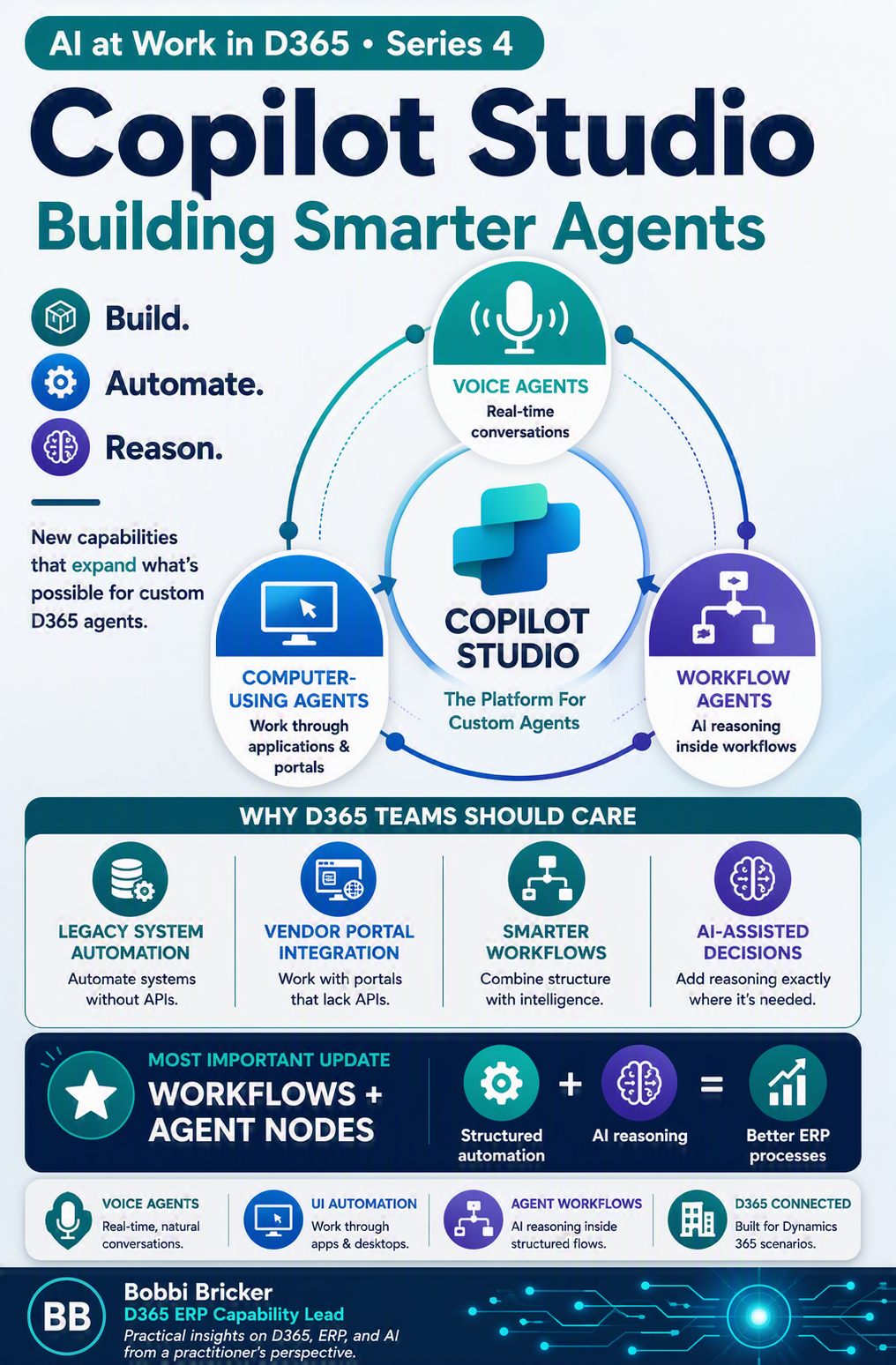
If you’re building custom D365 agents in Copilot Studio, the platform you’re working in just got three significant new capabilities. Here’s what each one does and where it’s relevant to ERP scenarios.

Real-Time Voice Agents – Now GA
Copilot Studio now supports real-time, speech-to-speech voice agents, generally available in North America through Dynamics 365 Contact Center. These are a meaningful step up from previous-generation Interactive Voice Response systems – instead of rigid menu trees, voice agents listen, reason, and respond naturally in live conversations, can identify callers, answer questions, take actions during the conversation, and hand off to a live agent while preserving full context.
For organizations running D365 Contact Center, this is directly applicable now. For broader ERP organizations without a contact center function, the relevance is more about understanding the trajectory – voice as an interaction modality for agents is clearly being built out as core platform capability, not a niche feature, which suggests it may eventually extend to other Dynamics 365 surfaces.
Computer-Using Agents – Now GA
This is the one I think deserves the most attention from an ERP integration perspective. Computer-using agents can interact directly with websites and desktop applications through the user interface, meaning they can automate processes for systems that don’t have APIs or that rely on screens that were never designed for programmatic access.
For organizations with legacy systems, vendor portals without API access, or third-party tools that don’t have an MCP server connection to D365, this closes a real gap. Previously, automating these interactions meant brittle scripts that broke whenever a screen changed, or simply accepting manual work as unavoidable. The GA release adds enterprise-ready capabilities specifically: more secure credential management, the ability to choose models best suited to different automation scenarios, and more resilient automations that can adapt to changing interfaces rather than breaking.
Where This Helps ERP Workflows
Vendor portals that require manual login and data entry, legacy systems predating API-based integration, government or regulatory filing portals without programmatic access, and any “swivel chair” process where someone manually re-keys data between two systems that don’t talk to each other.
Where to Be Cautious
UI automation is inherently more fragile than API-based integration — it depends on the target interface staying consistent. Use it as a bridge for systems that genuinely lack API access, not as a substitute for proper integration where APIs exist. And apply the same governance scrutiny (Post 19) to any agent with credentialed access to external systems.
The Redesigned Workflows Experience
Now available in early release environments, Copilot Studio’s redesigned workflows experience introduces a more intuitive visual designer for building and orchestrating agentic automation on a single, unified canvas, replacing the previous experience of stitching together disconnected tools and logic across multiple surfaces.
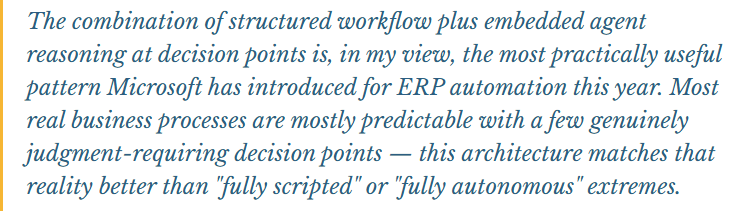
The most relevant capability addition: you can now embed existing agents directly into workflows as “agent nodes.” This means when a workflow hits a decision point that can’t be captured in simple if-then logic – something requiring reasoning over context, orchestrating multiple tools, or retrieving knowledge from several sources – an agent node can bridge that gap, combining the reliability of structured workflow automation with AI reasoning exactly where it’s needed, rather than forcing an all-or-nothing choice between rigid automation and full agent autonomy.
Governance note that applies to all three: Voice agents, computer-using agents, and workflow agent nodes all expand the surface area where AI takes action on your behalf – which means they all expand the governance surface that Agent 365 needs to cover. As you adopt any of these capabilities, make sure they’re visible in your agent inventory and subject to the same review process as any other agent in your environment.

📚 Go Deeper — Microsoft Resources
- What’s New in Copilot Studio: Computer-Using Agents, Workflows, Voice — Official Blog
- Agentic CX Capabilities for D365 and Copilot Studio
- Microsoft Copilot Studio Documentation Hub
Copilot Studio’s recent updates expand what’s buildable well beyond chat-based Q&A agents — voice, UI automation, and a much better workflow-plus-agent authoring experience are all now available. For D365 organizations building custom agents, the workflow-plus-agent-node pattern is worth particular attention as a way to automate real processes without sacrificing predictability where it matters most.
BB
Bobbi Bricker
ERP Capability Lead and D365 Functional Architect at Centric Consulting. Former controller. This series reflects fifteen + years in ERP (as an end user and a Consultant) and a genuine belief that AI, used thoughtfully, makes finance and operations teams more capable — not less. Reach out with questions, pushback, or war stories from your own organizations.
Thank you for reading!
Interested in learning more? Below are some of my latest posts:





Leave a Reply