
Quick question: if your auditor walked in tomorrow and asked “who has access to approve vendor payments, and can you prove nobody outside that group touched them,” how long would it take you to answer? For most finance teams, that answer involves a spreadsheet, a few frantic Teams messages, and a prayer that the security setup someone did three years ago still makes sense.
That question gets a lot more pointed once agents enter the picture. In the last post in this series, we talked about staying in control of the Payables Agent through approve, reject, and adjust actions. This time we’re going one layer deeper: not just “did I approve what the agent proposed,” but “who is even allowed to be in this process in the first place, and can I prove it.”
The idea in one minute
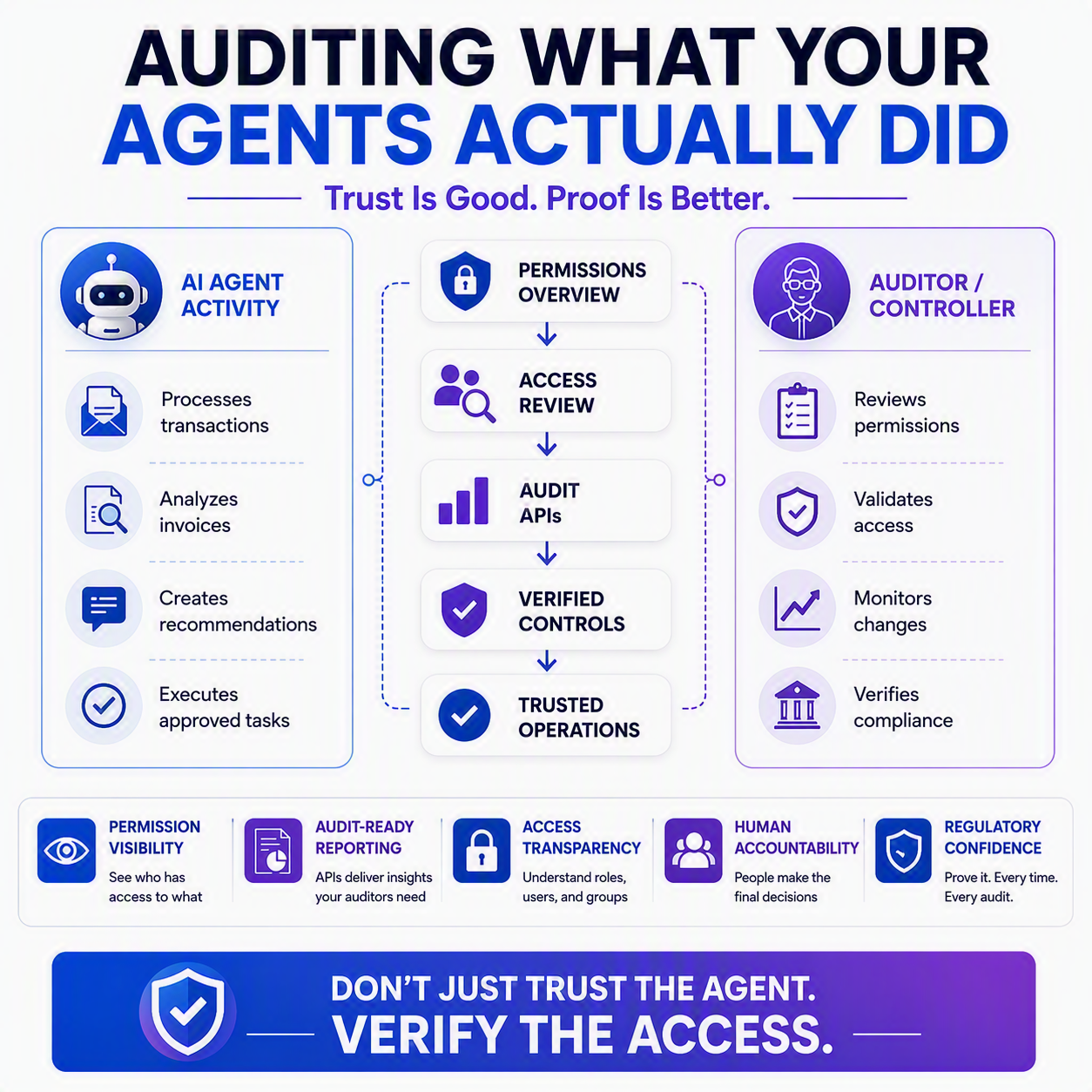
Business Central 2026 release wave 1 ships two things that matter a lot for anyone who has to answer access and audit questions: a new Permissions Overview page that lets you see permission sets across every app and extension in one place, and a set of new read-only APIs that let auditors and IT pull permission data into tools like Power BI or Copilot Studio without ever touching live data. Neither one is flashy. Both are exactly what you need as more of your day-to-day transactional work gets handed to agents.
Why this matters more, not less, as agents do more work
Here’s the thing people miss about agents: they don’t remove the need for access control, they raise the stakes on it. When a human clerk enters an invoice, you can ask them what they did. When an agent processes a batch of invoices under a security context someone set up months ago, “who can do what” stops being a nice-to-have and becomes the actual control. Getting sloppy about permissions used to mean an inconvenient cleanup project. Now it means an agent could be operating with more access than anyone intended, and nobody notices until something looks wrong.
Meet the Permissions Overview page 🔍
Before this release, understanding “what can this permission set actually do” meant hopping between multiple pages, often per extension, trying to piece together a picture. The new Permissions Overview page fixes that by pulling permission sets from every installed app and extension into one unified view.
You can filter by object (so you can answer “which permission sets let someone edit customer records”), by scope, by extension, or by permission set name. And the FactBoxes on the page show you, right there, which security groups and which individual users are assigned to whatever permission set you’re looking at. That’s the part I’d get excited about if I were still sitting in a controller’s chair: no more guessing who’s affected before you change something.

You can get to it anytime through Tell Me (Alt+Q), searching for “Permissions Overview.”
The APIs auditors have been waiting for 📊
The second piece rolls out in BC28.2 (an update within this wave), and it’s aimed squarely at the people who live outside Business Central but still need to see inside it: your auditors and IT staff. Microsoft introduced five new read-only APIs for analyzing permissions: Expanded Permission Sets, Access Control, Users Permissions, User Permission Sets, and Permission Sets.
Between them, these APIs cover the questions an audit typically asks: what does this permission set actually grant, which users and security groups map to which permission sets, and what’s the aggregate access picture for a given role. Because they’re read-only, nobody can accidentally (or otherwise) change a live permission setup by querying it. And because they’re built to plug into Power BI and Copilot Studio, your auditors can build the reports and dashboards they already know how to build, using your real data, without you handing over a login to your live environment.
💡 If you’ve ever had an external auditor request a full permissions export and watched your IT team groan, this is built for exactly that moment.
What to do with this now
You don’t need BC28.2 live in your environment to start thinking this through. Pull up your current permission sets and ask yourself who’s assigned to the ones tied to payment approvals, vendor master changes, or anything an agent might touch. The Permissions Overview page won’t fix a messy security model, but it will make the mess a lot easier to see, which is usually step one anyway.
Thank you for reading!
Next up in this series, we’re talking about setting the right guardrails: the boundaries you put in place before you ever let an agent near a transaction, not after.
Sources
- Audit user and group permissions across apps
- Use new APIs for analyzing permissions for auditors and IT staff
- Business Central 2026 release wave 1 (BC28): Audit user and group permissions across apps (new Permissions Overview page) – Dynamics 365 Lab
- Business Central 2026 release wave 1 (BC28.2): Use new APIs for analyzing permissions for auditors and IT staff – Dynamics 365 Lab
Interested in learning more? Below are some of my latest posts:





Leave a Reply