
AI in Microsoft ERP · Microsoft Scout · Series 4: June 2026 in AI · Post #032
Built on a controversial open-source project, run by a small internal team with a fish-themed codename, and announced after Satya Nadella once called its foundation a “virus” — Scout’s backstory is wilder than most enterprise software launches. Here’s what it actually does.
What Scout Actually Does
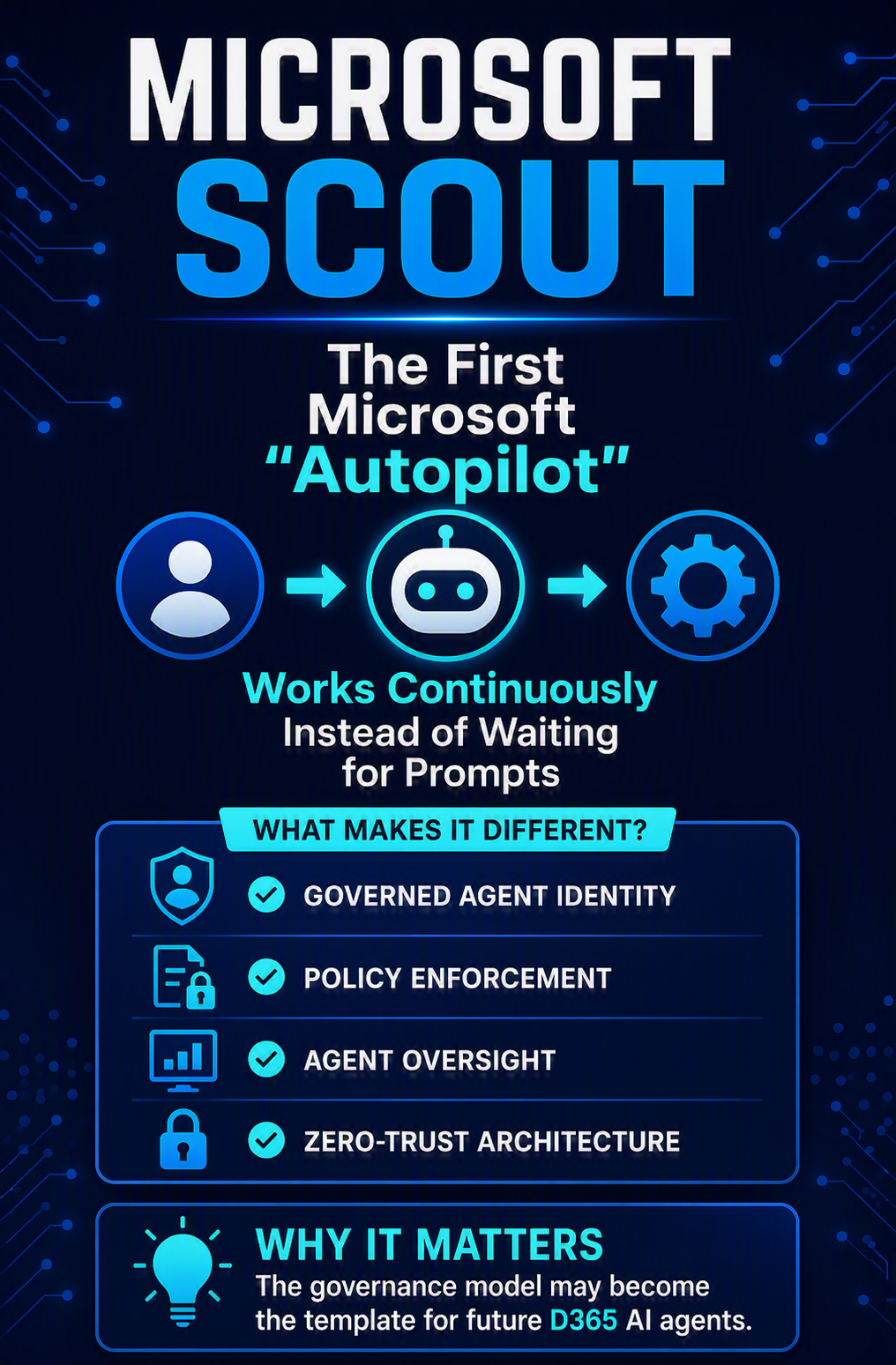
Microsoft Scout is an always-on personal work agent — Microsoft’s first entry in a new category it calls “Autopilots.” The distinction from regular Copilot is the core thing to understand: Copilot responds when you prompt it. Scout runs continuously in the background, with its own persistent identity, handling work without being asked each time.
Concretely, Scout operates across Teams, Outlook, OneDrive, and SharePoint. It can proactively schedule and coordinate meetings across time zones, flag important meetings, generate prep materials, identify upcoming deliverables and block calendar time accordingly, and spot risks like stalled decisions before they become blockers. Over time, it builds a working understanding of how you operate — your priorities, your patterns, what tends to need follow-up — through something Microsoft calls Work IQ (more on that in Post 33).
The Governance Layer That Makes This Different From Raw OpenClaw
This is the part that actually matters for enterprise consideration. Open-source OpenClaw agents running unsupervised have generated real incidents, including a widely reported case of an agent behaving erratically inside a researcher’s inbox. Microsoft’s enterprise version addresses this directly:
- Governed Identity
- Every Scout agent operates under its own governed Entra identity — not a shared, anonymous service account. Actions are attributable to a known actor your directory already understands, with credentials scoped to the task and redacted from logs.
- Policy Enforcement via Work IQ
- Before Scout takes an action like sharing a document, Work IQ checks that the recipient is approved, the document’s sensitivity label allows sharing, and the action complies with your DLP policies. If any check fails, Scout doesn’t proceed — and can alert the user or admin to a potential policy violation.
- Agent 365 Oversight
- Scout instances are visible and governable through Agent 365 — the same control plane covered in Post 38 — giving IT a single place to observe, manage, and secure every Scout deployment alongside other agents in the tenant.
- Zero-Trust Runtime
- Every package is ingested through a curated, signed Microsoft supply chain. Every tool call, model request, and network hop is mediated by a zero-trust runtime — the agent’s own container is treated as untrusted, with identity, tokens, and policy enforcement sitting outside it.
The Access Reality: This Isn’t Broadly Available
I want to be direct about where Scout actually stands as of this writing (7/2/26,) because the announcement coverage can make it sound more available than it is. Access requires a gated, multi-step process: your organization must attest to the Frontier preview program terms in the Microsoft 365 admin center, IT administrators must explicitly push the desktop app to user machines via Intune policy, and individual users must hold an active GitHub Copilot Business or Enterprise license to authenticate.
There are two access tiers:
- A private preview cloud-based version
- Frontier-enrolled desktop version that runs locally and connects to Microsoft Graph plus Work IQ (notably requiring the device to be powered on, since it uses local hardware).
This is meaningfully more gated than a typical Copilot feature rollout. If your organization isn’t already enrolled in the Frontier program, Scout is not something you can turn on this quarter.
Should D365 Organizations Care Yet?
Honest answer: not operationally, not yet. Scout today is a personal productivity agent focused on calendar, email, and document coordination. It’s not connected to D365 transactional workflows in any meaningful way as of this writing. The relevant reason to pay attention now is strategic, not operational: Scout is the template for what Microsoft’s broader “Autopilot” category will eventually look like across the stack, including (eventually, almost certainly) finance and operations scenarios connected to D365 data through MCP servers.
Microsoft executives have already publicly demoed ClawPilot-style concepts in the context of D365 Finance and Supply Chain at the DynamicsMinds 2026 conference — which means the connection to ERP-specific agentic scenarios is clearly part of the roadmap, even though it isn’t productized yet.
For finance and operations leaders: Don’t chase Frontier enrollment for Scout specifically right now. It’s a personal productivity agent, not an ERP tool, and the licensing/device management requirements are substantial for what you’d get today. Do pay attention to the governance pattern Microsoft is establishing (Entra identity per agent, Work IQ policy checks, Agent 365 oversight), because that’s the model that will eventually apply to whatever ERP-connected Autopilot agents Microsoft ships next.

📚 Go Deeper — Microsoft Resources
Microsoft Scout represents a genuine strategic pivot — and a fast one, given how recently Microsoft was publicly skeptical of the technology it’s now built on. For D365 organizations, the near-term relevance is limited (it’s personal productivity, gated, and not ERP-connected), but the governance template it establishes is worth understanding because it’s almost certainly the model for what comes next.
BB
Bobbi Bricker
ERP Capability Lead and D365 Functional Architect at Centric Consulting. Former controller. This series reflects fifteen + years in ERP (as an end user and a Consultant) and a genuine belief that AI, used thoughtfully, makes finance and operations teams more capable — not less. Reach out with questions, pushback, or war stories from your own organizations.
Thank you for reading!
Interested in learning more? Please check out my latest posts:





Leave a Reply