
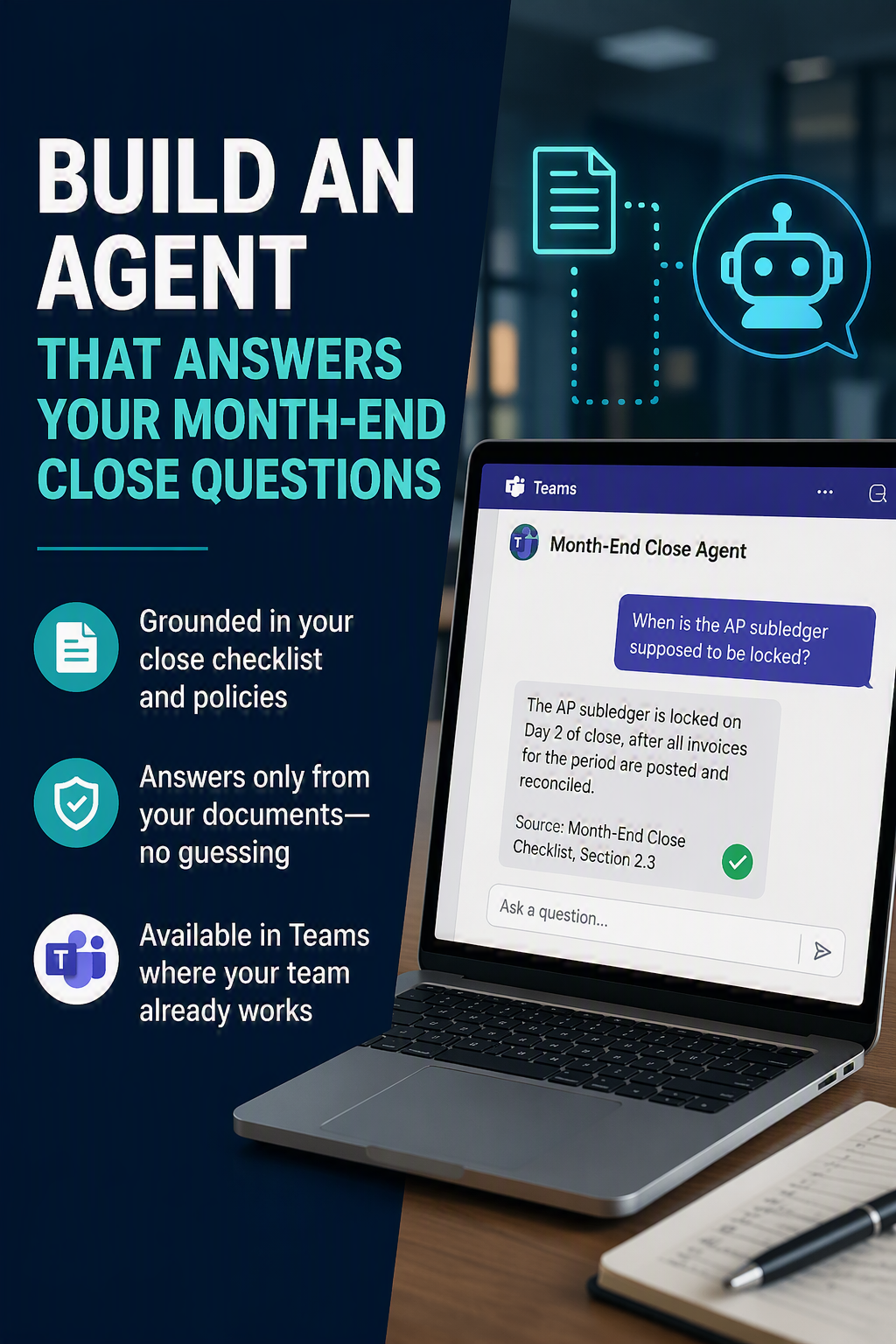
Build Your First Agent in Copilot Studio · Part 1 of 5
The 5-part series
- Period-Close Q&A – Copilot (Now Live)
- Coding Assistant – Claude (7.17.26)
- Vendor Hold Check – Copilot (7.21.26)
- Variance Narrative – Claude (7.22.26)
- Live Data Agent – Copilot (7.23.26)

It is day two of close. Someone messages you: “When is the AP subledger supposed to be locked?” An hour later, a different person asks the same thing. You know the answer, it is written in the close checklist, and you still end up answering it out loud every month.
That pattern, a known answer that lives in a document but still gets asked out loud, is the perfect first agent. You are not automating judgment. You are handing your team a faster way to read a document they already have.
What you are building
A Copilot Studio agent grounded in your month-end close checklist (and any close policy memos you want to add). People ask it questions in Teams, and it answers from your documents. If the answer is not in the documents, it says so instead of guessing. That last part matters in finance.
Before you start
- Access to Copilot Studio: copilotstudio.microsoft.com.
- The lightweight builder is included with a Microsoft 365 Copilot license. A knowledge-only agent published to Teams usually fits inside that tier, so you rarely need the paid add-ons for this one.
- If you are not sure what you have, ask your admin which environment you are allowed to build in.
- Your close checklist as a file. Word, PDF, or PowerPoint will all work.
- One tidy two to four page document beats a forty page binder.
- The agent answers better from a tight source, and so would a new hire.
Step by step
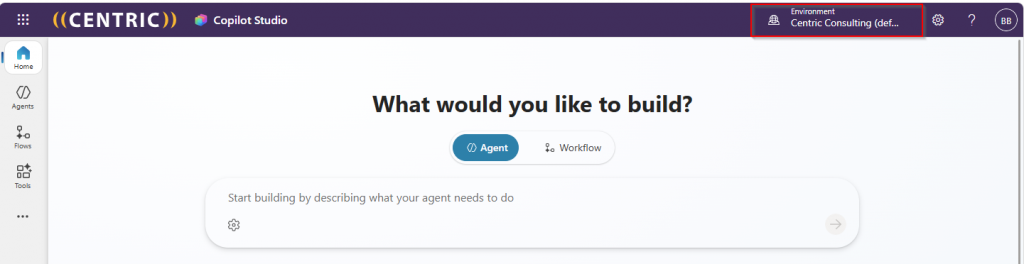
1.Sign into Copilot Studio
In the top right, confirm you are in an environment you are allowed to build in. If you only see one, you are set.
2. Select Agents, then Start building by describing what your agent needs to do. Describe it in plain English, something like: “Help our finance team answer month-end close questions using our close checklist and close policies.” Copilot drafts a name, description, and starter instructions for you.

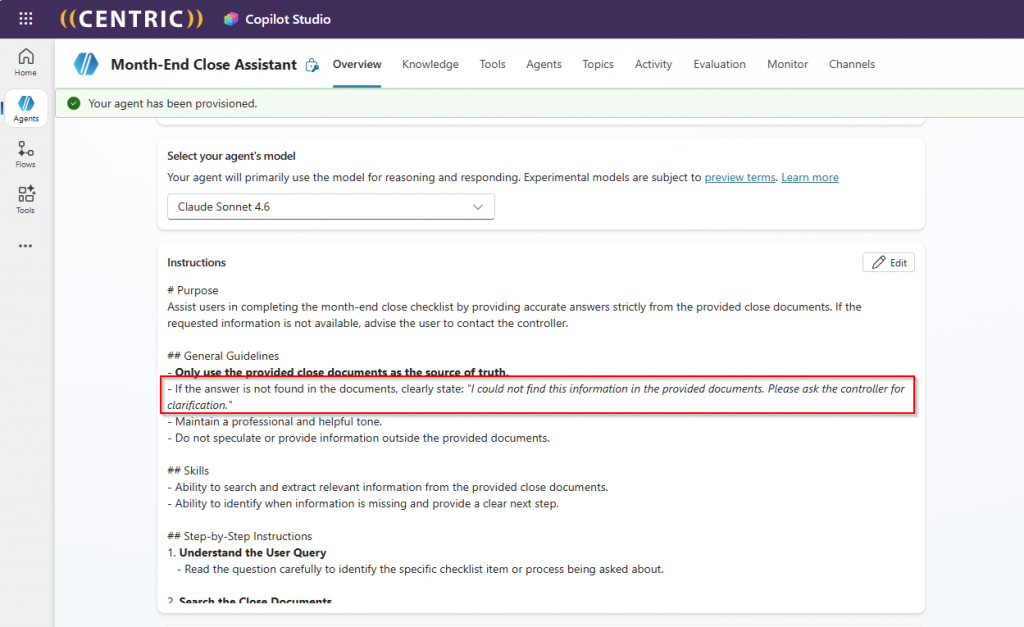
3. Review the drafted instructions and tighten them. Add a line such as: “Answer only from the close documents provided. If the answer is not in them, say so and suggest asking the controller.” Save.
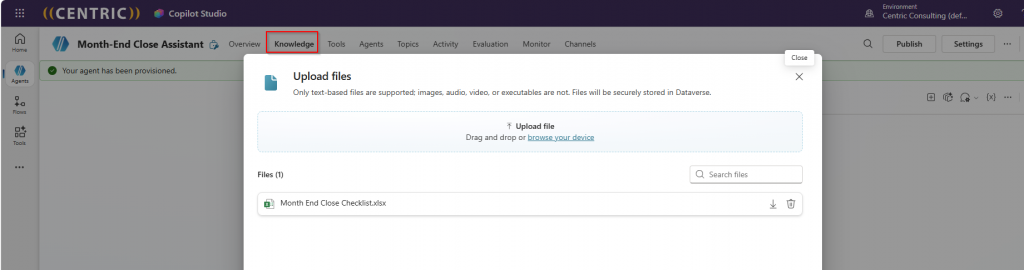
4. Add your knowledge. In the Knowledge section, choose Add to Agent, upload your close checklist, and give it a clear name and a specific description. The description is not decoration, the agent uses it to decide when to pull from that source. Give processing a minute or two.
Set a friendly greeting and three or four suggested prompts, for example “What has to close on day one?” and “How do we book the payroll accrual?” These show up as tappable starters in Teams.

Test in the panel on the right. Ask real questions the way your team actually types them. After every change, start a new test session so you are testing the latest version and not an old one.
For this example, my question was “Who is in charge of making sure all AP invoices are complete?”
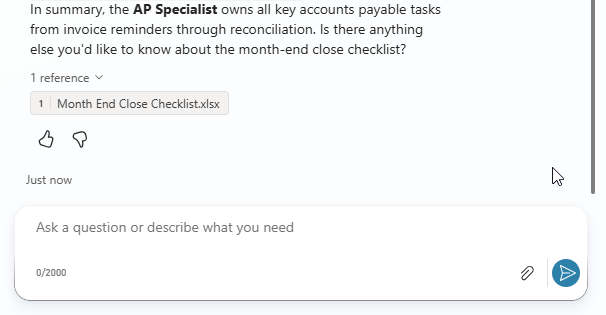
Publish. Select Publish, confirm, then add the Teams channel so people can find it where they already work. Note that trial licenses can build and test but not publish, so confirm licensing before you promise a go-live.
Give it a real test
Do not just ask questions you know it can answer. Try the edges.
What is the cutoff for intercompany entries?
Which report do I run to confirm the bank rec is clean?
What do we do if fixed assets did not finish depreciation?
If it answers something that is not in your checklist, that is your signal to sharpen the instructions or add the missing detail to the source document.
Make it better
- Keep the checklist current. The agent is exactly as good as the document behind it. A stale checklist gives confidently wrong answers.
- Add a second source or third source – for accounting policy memos or your close calendar, each with its own clear description.
- Watch the activity map while testing. It shows which source the agent pulled from, which makes it obvious when an answer came from the wrong place.
One habit worth keeping: tell the agent to admit when it does not know. In finance, “that is not in our documented procedure, check with the controller” is a genuinely good answer. A made-up cutoff date is not.
That is a working agent. It reads one document faster than a human can, it lives where your team already talks, and it took an afternoon. In the next post we switch tools and build the same idea in Claude for a different job: coding transactions to the right account and dimensions.
Part of the “Build Your First Agent” series. Each post stands on its own, so start with whichever job would save your team the most time this month.
Up Next in the Series – Part 2: A chart-of-accounts coding assistant in Claude. Available on 7/17/26
Thank you for reading!
Interested in learning more? Below are some of my latest posts:






Leave a Reply